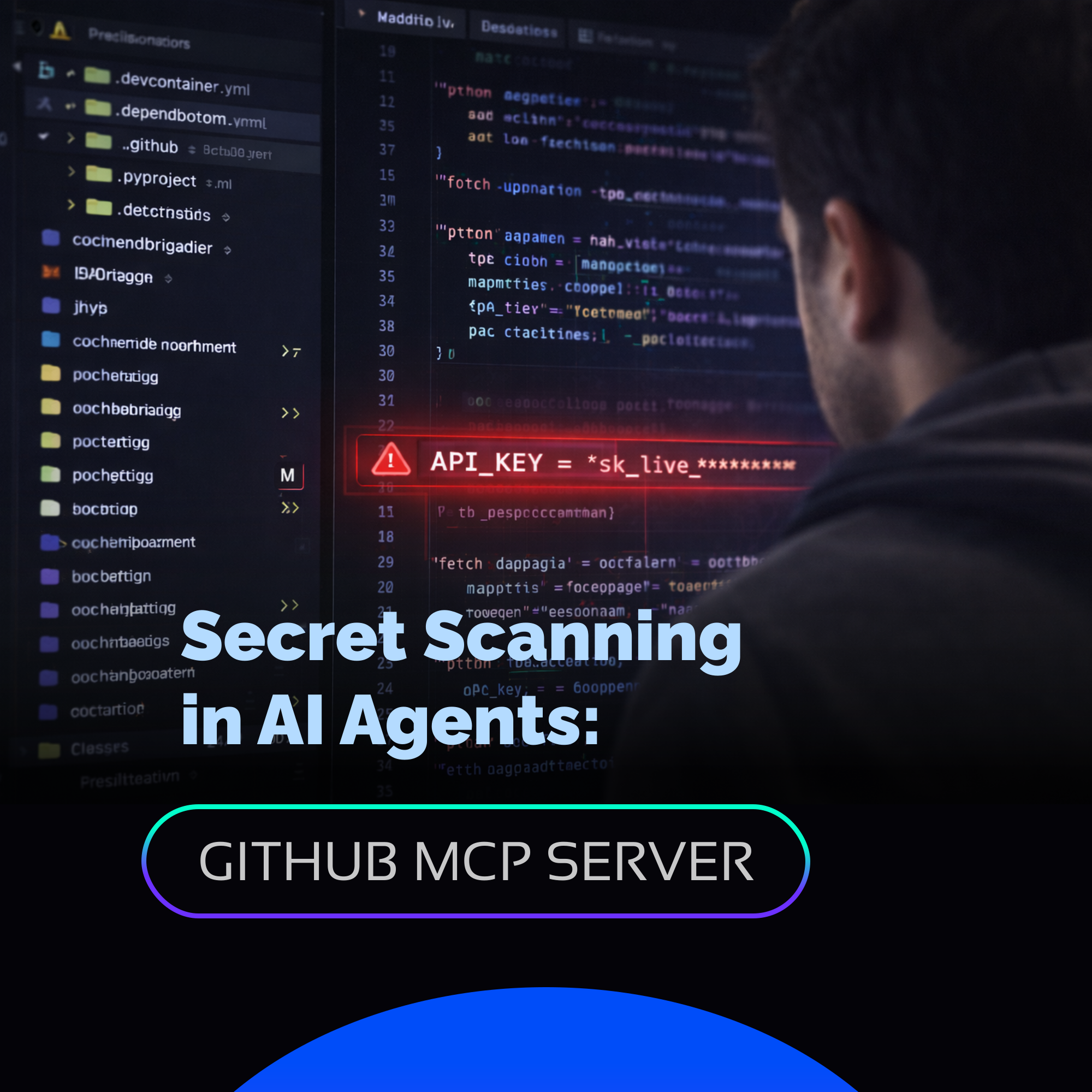
A few months ago, while working late on a payment integration within VS Code, I experienced one of those moments every developer fears. The AI agent generated the code, it worked perfectly in the local environment, and, trusting the result, I committed it almost by inertia.
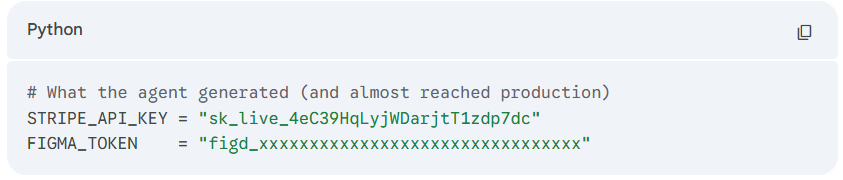
The next day, reviewing the PR with a fresh mind, I found a line that made my blood run cold: a real, live, hardcoded API key. The agent had included it to make the example functional, and I, completely focused on the logic of the flow, had overlooked it.
This wasn't a careless mistake due to lack of experience; it was a challenge of the current era. When an AI generates 200 lines of code in seconds, the human eye tends to validate that the logic works, losing sight of critical details—like a Stripe key on line 47.
The Arrival of Secret Scanning to the AI Workflow
In late March, GitHub launched a Public Preview feature that solves this problem at its root: Secret Scanning directly in the AI agent via the GitHub MCP Server.
This integration allows GitHub's security engine to act as a real-time reviewer within the chat. Now, before confirming any changes, it is possible to perform a security audit without leaving the IDE and without waiting for the CI/CD pipeline to detect the error (or worse, for it to go unnoticed).
How Does the Prompt Work?
The competitive advantage of this tool is its simplicity. You simply interact with the agent using a specific command:
"Scan my current changes for exposed secrets and show me the files and lines I should update before I commit."
Upon receiving this instruction, the agent queries the official GitHub Secret Scanning engine and precisely points out the file and line that need correction. Additionally, GitHub announced the expansion of Push Protection, which now blocks credentials by default for essential AI development services such as Figma, GCP, and LangChain.
Quick Guide: How to Activate GitHub Secret Scanning in Your AI Workflow
To enable this layer of protection in a development environment, three pillars must be configured:
- GitHub MCP Server correctly configured in your development environment.
- Advanced Security Agent installed and enabled in your Copilot Chat.
- GitHub Secret Protection activated at the repository level.
Key Cost Fact: Many believe these features are exclusive to Enterprise licenses. However, since last year, Secret Protection has been available for GitHub Team plans for just $19 USD per month per committer. This reduces the economic barrier and turns proactive security into an achievable standard for teams of any size.
Proactive Security in the Age of AI
AI gives us unprecedented speed, but that same speed demands smarter control mechanisms. In my experience, I have had the opportunity to accompany several clients in the technical implementation of GitHub Advanced Security, and the greatest lesson has been how to ensure the team integrates it naturally into their daily flow.
If you are evaluating how to strengthen your tech stack or how to ensure that the adoption of AI agents does not compromise the integrity of your credentials, the ideal starting point is these preventive controls. The technology is already available, and the next step is to integrate it where development actually happens. Yes, AI is incredibly fast, but it needs guardians just as fast.


.png)
